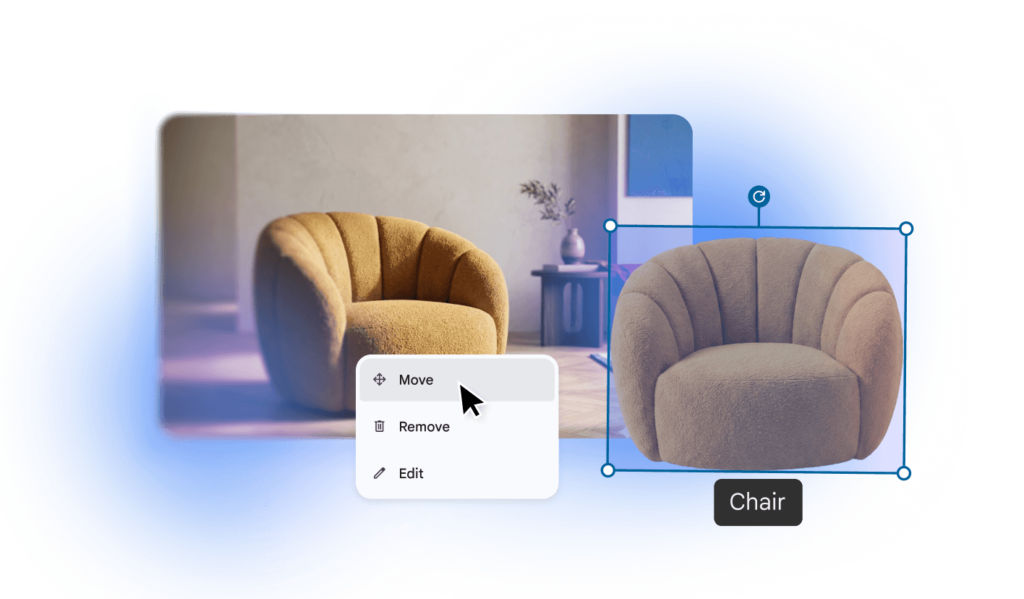

Google is adding an AI image generation and editing app called Google Pics to core Google Workspace, and it will be turned on by default for every paying customer on Business Standard, Business Plus, Enterprise Standard, Enterprise Plus, and related AI tiers. Admins who want it do nothing. Admins who don’t want it have to go find the switch themselves.
Why this lands on IT’s desk
It’s the latest in a familiar pattern: default-on features drive adoption, but most organizations never make an active decision about whether a new AI tool belongs in their environment, it just shows up. That leaves Legal, Brand, and Security asking questions about data handling, image ownership, and unmanaged design tools after the fact, when it’s harder to answer than before the feature goes live.
What’s actually worth checking before it goes live
Google has said existing Workspace data protections extend automatically to Pics, which answers the baseline compliance question. That still leaves a few things worth confirming for your own environment:
- Whether Pics should be enabled organization-wide or scoped to specific groups (Admin console > Apps > Google Workspace > Drive and Docs > Google Pics lets you do either)
- Whether your brand or legal team has a position on AI-generated imagery in external-facing materials, separate from the tool’s availability
- Whether the shared-canvas collaboration feature changes anything about how design assets move through your organization
- Whether regulated business units need to be scoped out entirely rather than reviewed case by case
The standing move
None of this requires blocking the rollout, just deciding on purpose instead of by default. And since Google Pics won’t be the last AI feature to ship opt-out, it’s worth having a short internal checklist ready for the next one: who reviews it, what gets asked, how long the org has before it’s live for everyone.
Not sure how Google Pics fits your current Workspace setup?
101domain’s team can walk through your admin console with you, scope the rollout to the right groups, and flag anything worth a second look before the feature goes live.