
Google Pics went from “coming soon” to live across Workspace in September, rolling out to customers starting September It’s on by default for Business Standard, Business Plus, Enterprise Standard, Enterprise Plus, Workspace AI Expanded Access, and Google AI Pro for Education, meaning most teams already have it whether they’ve opened it yet or not.
Having it switched on is one thing. Knowing what to do with it is another. So instead of another feature rundown, we asked Gemini directly what our team could realistically use it for. The conversation below is lightly trimmed for length.
What is Google Pics, really?
Us: Pics just went live in our Workspace. Give us a one-paragraph overview.
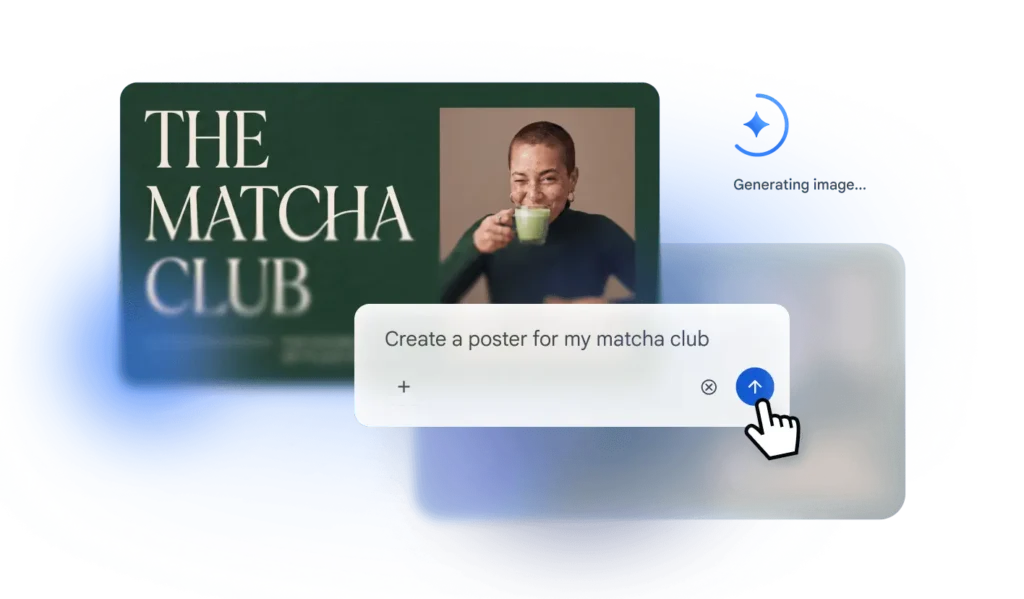
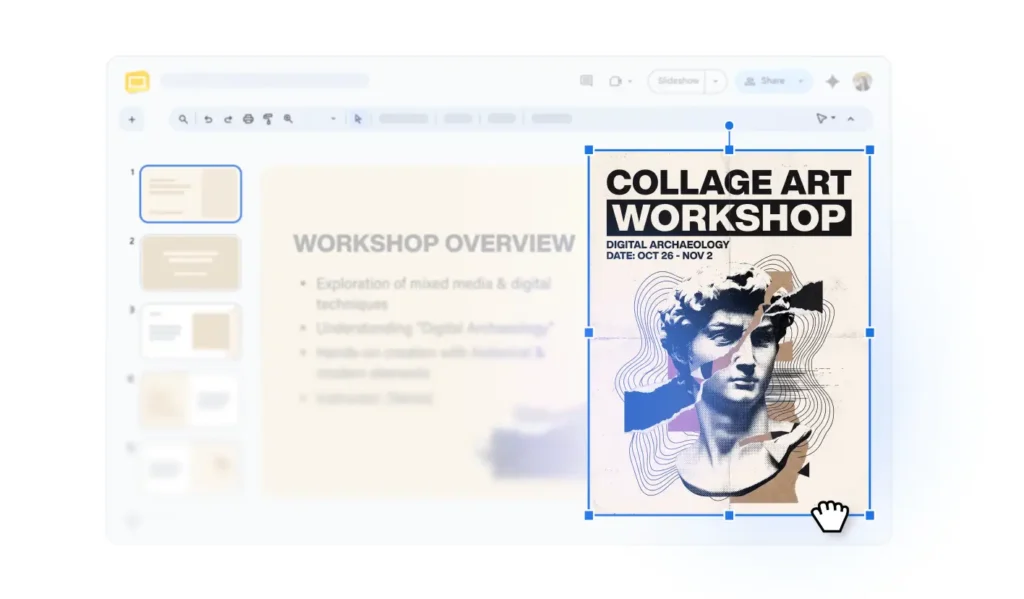
Gemini: Pics is Google’s built-in image generation and editing tool, running on Google’s Nano Banana model. It works as a standalone app at pics.new and directly inside Docs and Slides, with Drive support rolling out next. Anyone on your plan can generate an image from a text prompt or edit an existing one, without exporting to a separate design tool first.
That last part is the practical shift. Most teams don’t lack access to image tools. They lack the willingness to leave the doc they’re already working in to go get one.
Where teams get stuck without it
Us: Where does this actually save time day-to-day?
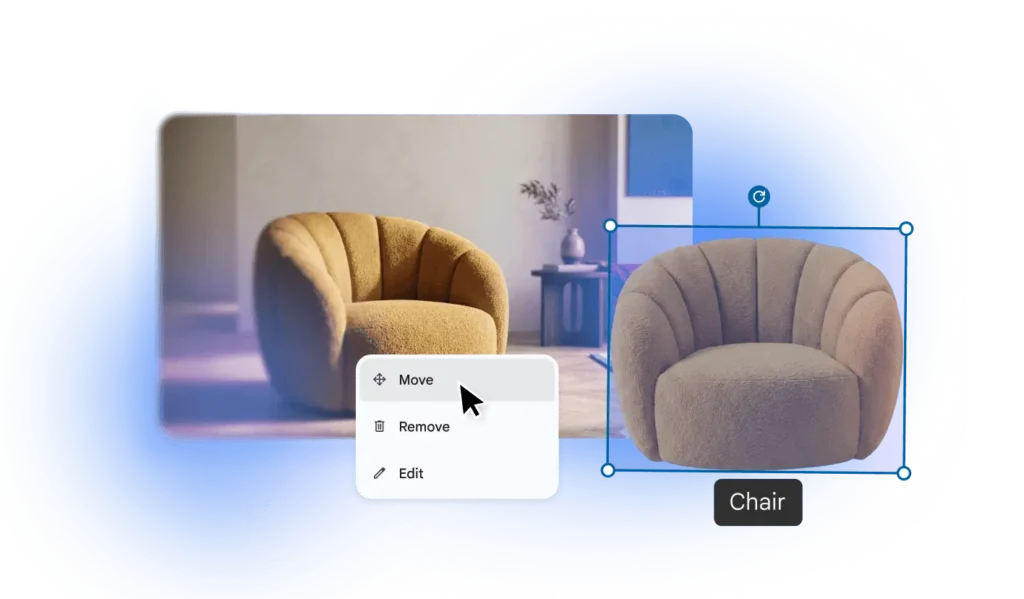
Gemini: Three places come up constantly. Internal decks that need a supporting visual and nobody on the team is a designer. Quick edits, like a background removed or an object repositioned, that used to mean exporting to Canva or Photoshop for a five-second fix. And rough mockups, when marketing or product wants to visualize a concept before committing real design time to it.
None of these are big projects. They’re the small friction points that make people skip visuals altogether, which is often worse than using a mediocre one.
What Pics is actually good for right now
Us: Give us specific, not generic, use cases.
Gemini: A few that hold up in practice:
- Generating a custom header image for a Slides deck instead of a stock photo, directly in the deck
- Repositioning or resizing an object inside an image without leaving the doc, similar to what Canva calls Magic Grab
- Removing or swapping a background on a product or team photo before it goes into a client-facing presentation
- Rough visual concepts for a campaign or product idea, meant to be discussed, not shipped
- Quick edits to screenshots used in internal documentation, cropping and cleanup without a separate tool
Us: What shouldn’t people expect it to replace?
Gemini: Anything that needs brand precision, exact colors, exact typography, licensed assets, or final client-facing polish. Pics is fast and good enough for internal and exploratory work. It is not a replacement for a real design process when the output represents your brand externally.
What to know before your team dives in
Us: Anything IT, marketing, or ops should be aware of before people start using it?
Gemini: Two things. Pics inherits your existing Workspace data protections automatically, so there’s no separate compliance question to answer first. And usage limits are coming, but not yet; Google has said priority access holds through February 28, 2027.
It’s also on by default. Turning it off for now is an admin-level setting, not something individual users control.
Try it before you plan around it
The fastest way to know if Pics fits into your team’s workflow is to open a Slides deck and generate one image in it this week. Not a campaign, not a rollout plan, just one slide. That’s usually enough to tell you whether it saves real time or becomes another tool people forget exists.
If your organization is still deciding how AI tools fit into your Google Workspace plan more broadly, that’s a conversation worth having with your provider, not just your IT team.
Not sure which Google Workspace plan actually covers what you need?
101domain manages Workspace licensing and setup for teams who’d rather not sort through Google’s plan tiers themselves.