
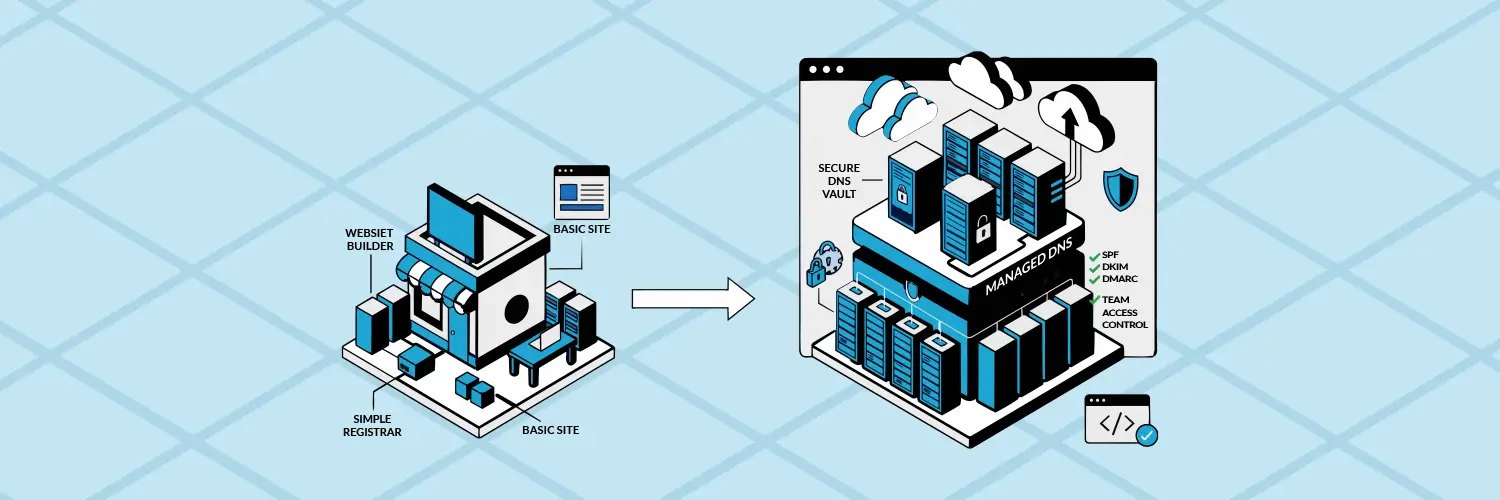
Nobody starts a company by shopping for a registrar. You needed a website fast, so you picked a DIY builder, and it bundled your domain in along with hosting and a template. That’s exactly the right call on day one. It’s a much less obvious call three years and forty employees later.
Why nobody notices the moment it stops fitting
DIY platforms are built for getting started, not for what a growing company eventually needs: multiple team members with different access levels, DNS control for email authentication, SSL and security settings that go beyond a checkbox, or a domain portfolio that’s grown past the one name you registered at launch. None of that breaks anything on day one. It just quietly becomes a constraint nobody’s checked on since setup.
The signs it’s time
- You’ve asked IT or a contractor to “just handle the DNS” more than once.
- Adding a new email authentication record (SPF, DKIM, DMARC) meant a support ticket, not a five-minute change.
- You’ve registered domains in more than one place because your builder didn’t offer the domain ending you needed.
- Compliance, a security review, or a customer’s IT team has asked a question about your setup you couldn’t answer.
What graduating actually looks like
It doesn’t mean rebuilding the website. It also doesn’t have to mean moving the domain itself.
The first move is usually just DNS. Pointing your nameservers to Secure Web Accelerator gives you DNSSEC, your own SPF, DKIM, and DMARC records, and SSL/TLS control, all without touching where the site lives or where the domain is registered.
Registration is a separate decision, and it’s optional. Maybe your builder can’t carry the TLD you need. Maybe you’ve gone from managing one domain to coordinating a portfolio of them. Either way, a transfer moves the registration itself, and domain services take over ongoing management once there’s a large portfolio to look after, not just a single name. Most growing companies make the DNS move first and leave the rest alone until there’s a real reason to touch it.
Ready to take direct control of your DNS?
Start with DNS and keep everything else exactly where it is. No website rebuild, no downtime, and no need to move your domain until you’re ready.